
2025 Integration Info
Valid Ticketing Mediums
- Badge QR Code – LV Monorail ‘M’ Logo included on Attendee but NOT Exhibitor (see below)
- Email Confirmation with QR code – Contains line item for LV Monorail Purchase
- Apple & Google Wallet QR Codes – No indicator for LV Monorail ticket
ATTENDEE Info:
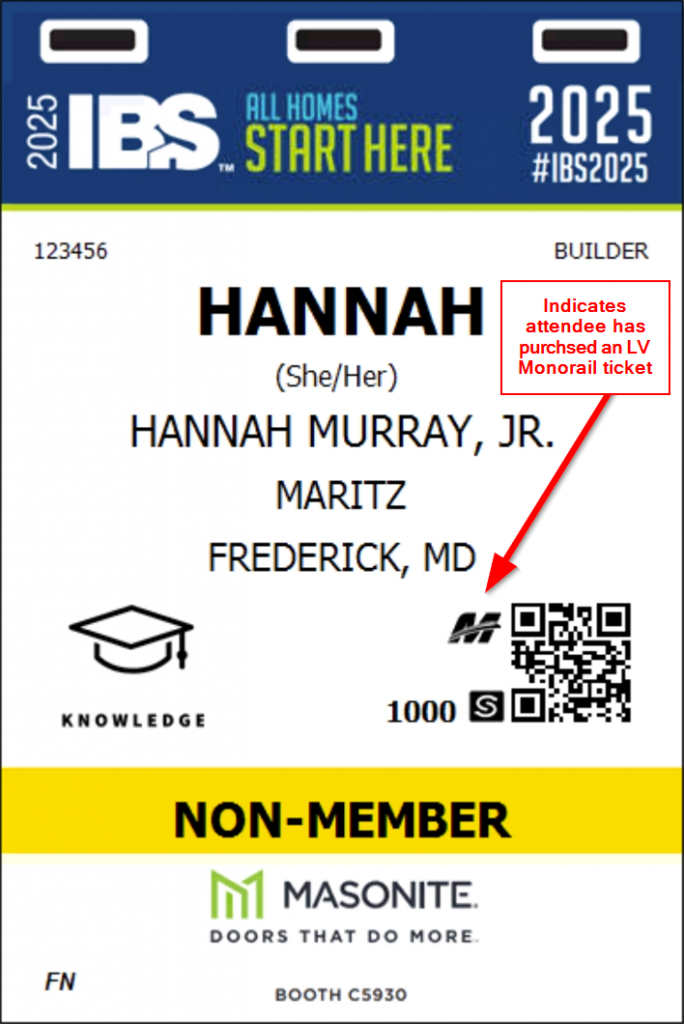
Attendee badges include an LV Monorail logo located near the QR code on the badge.
Example of Attendee Badge:
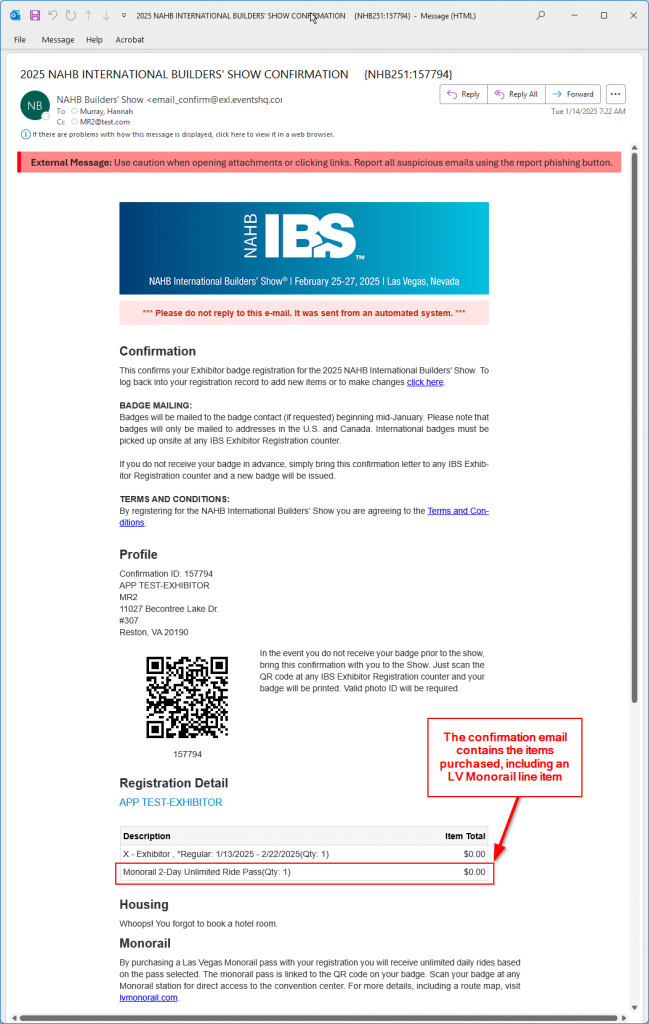
Attendee emails include line items with the LV Monorail ticket purchase. This purchase line item is located below the QR code. In sample printing the QR code and purchased line items were both printed on Page 2. Please be aware different printers, page sizes, printing orientation and more may affect the layout of this information.
Example of email confirmation:
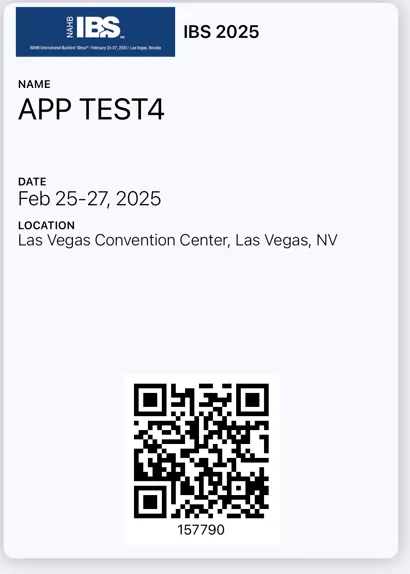
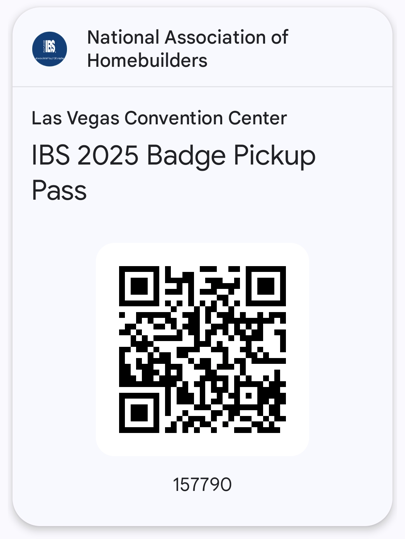
Mobile wallet passes do not have any indicator that the pass can be used on the LV Monorail.
Example Apple Wallet pass:
Example Google Wallet pass:
EXHIBITOR Info:
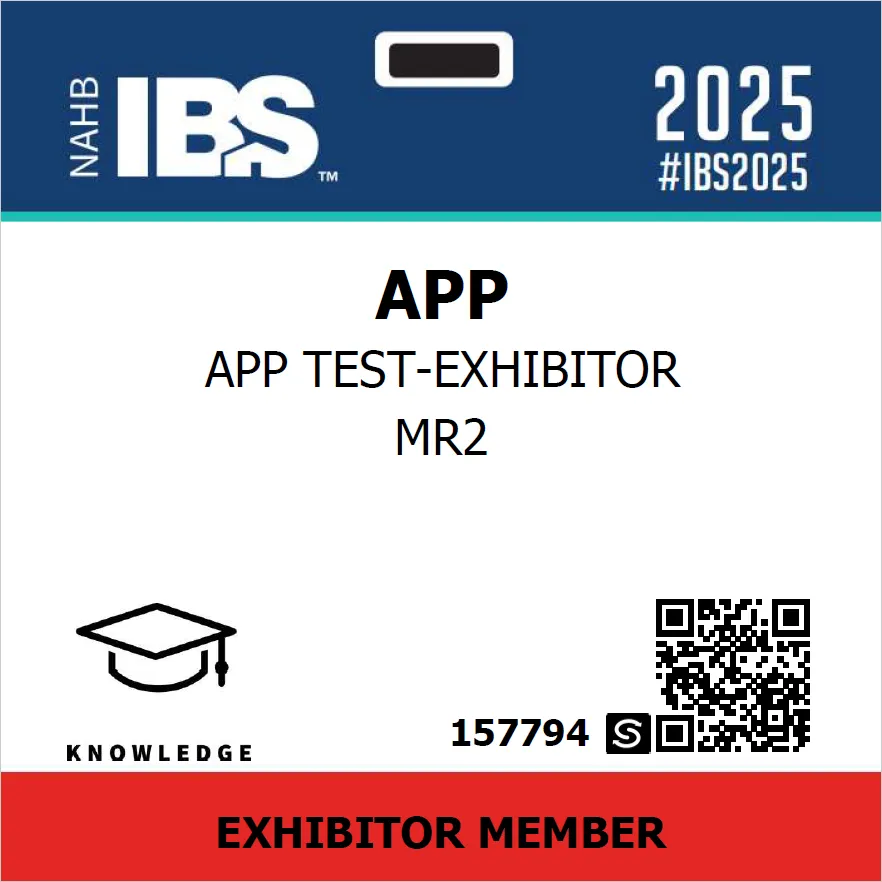
Exhibitor badges are pre-printed and went out WITHOUT the ‘M’ monorail logo. As a result it will not be possible to determine which Exhibitors have a Monorail ticket vs the ones that do not.
Example exhibitor badge: